

Book from live availability
The clinic assistant offers doctors and free slots from your connected clinic system.

Help reception handle service questions, appointment requests and changes in one workspace.
Illustrative workflow using sample enquiries. Connected accounts, configured sources and appropriate permissions are required.
The clinic assistant offers doctors and free slots from your connected clinic system.
Appointment reminders with I’ll come, change time or cancel buttons.
Changes and special requests go to your clinic team with the context attached.
Use configured clinic information to answer service enquiries and route the conversation to reception.
With a configured ClinicGateway connection, use its doctors, services and available slots to guide the booking.
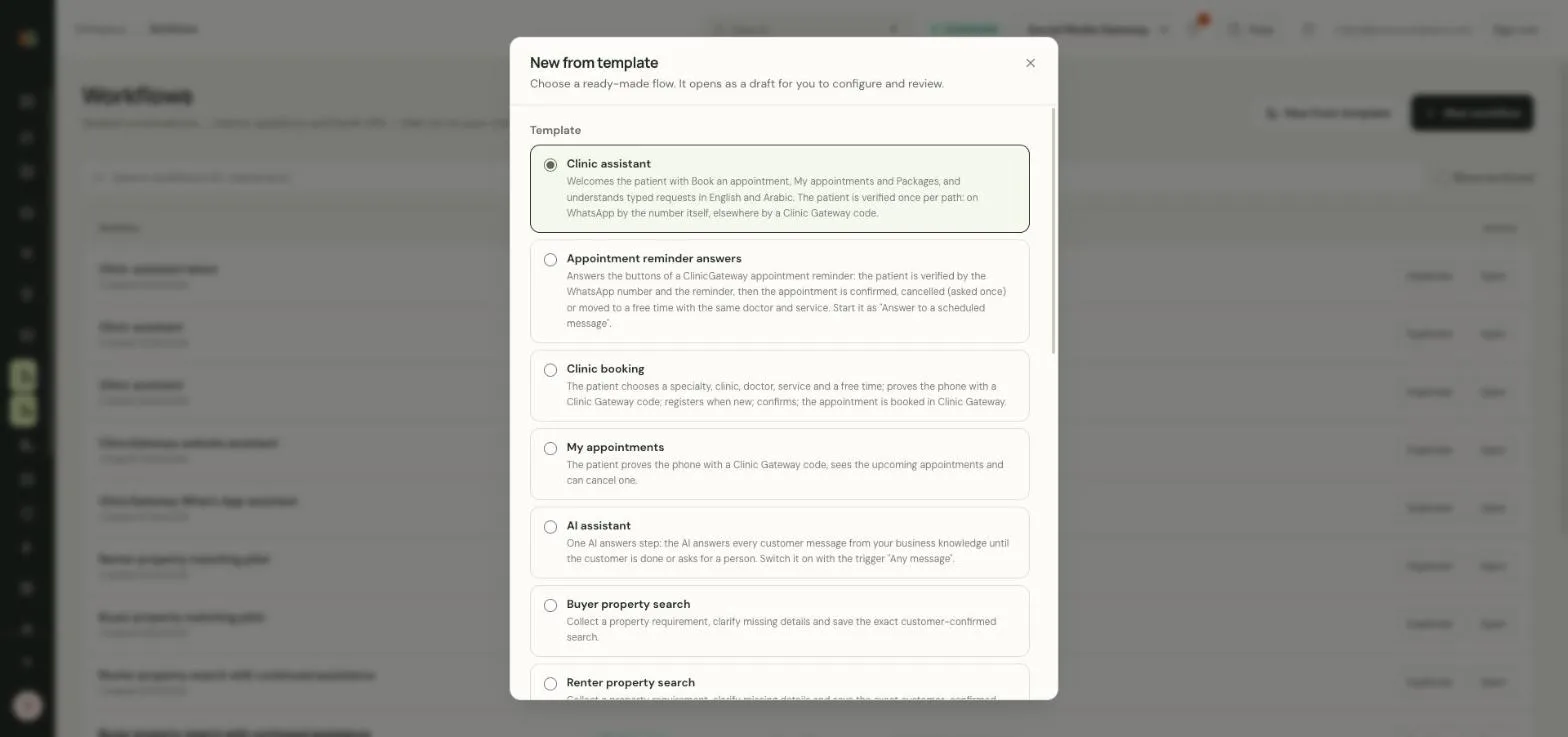
Complete the required verification and customer confirmation before booking, cancelling or rescheduling. Report success only after the clinic system confirms it.
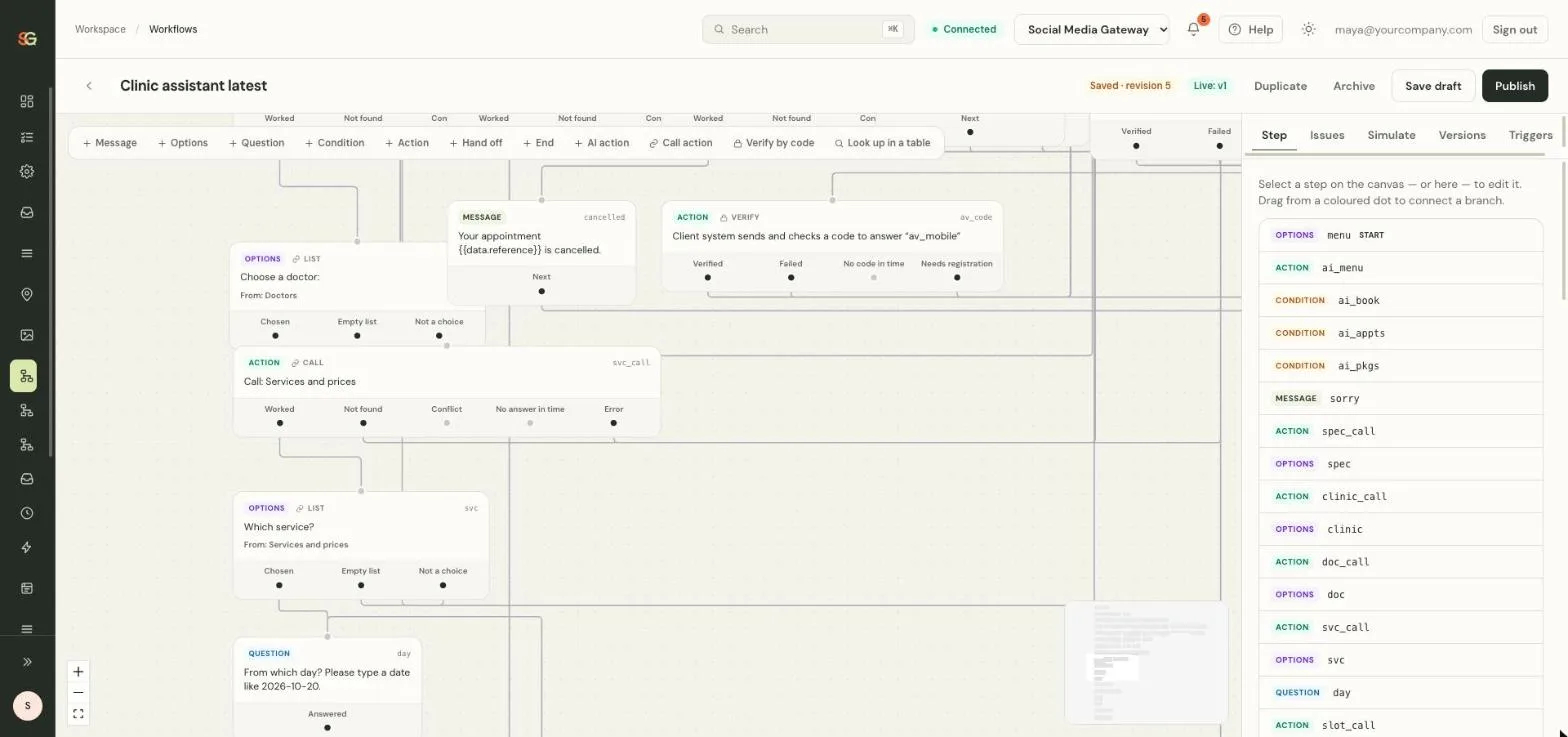
ClinicGateway owns appointment and patient records. A connected clinic system and appropriate access are required. Messaging is not a medical advice service.

Patient questions from WhatsApp, Instagram, Messenger and website chat arrive in one inbox, and routine bookings follow a verified flow.
Create your account Illustrative photo. Interface details use sample data.Product screens are from the SM Gateway application with sample data. Cards and photos are illustrative.
Connect to our application’s chat service to speak with us. Chat may use browser storage to recognize your visit.
Read our privacy informationOther ways to contact us